

HL
Hannah Lewis
Customer Success Manager
I stopped losing track of which companies I had already applied to. Having each role and status in one place immediately made my search less chaotic.
Track every role, company, status update, note, and next step in one place so your applications stay organized and nothing important slips through the cracks.
Track roles, statuses, and notes in one organized workflow
Keep job descriptions and application context easy to revisit
Stay ready for interviews without rebuilding context from memory
Why it works
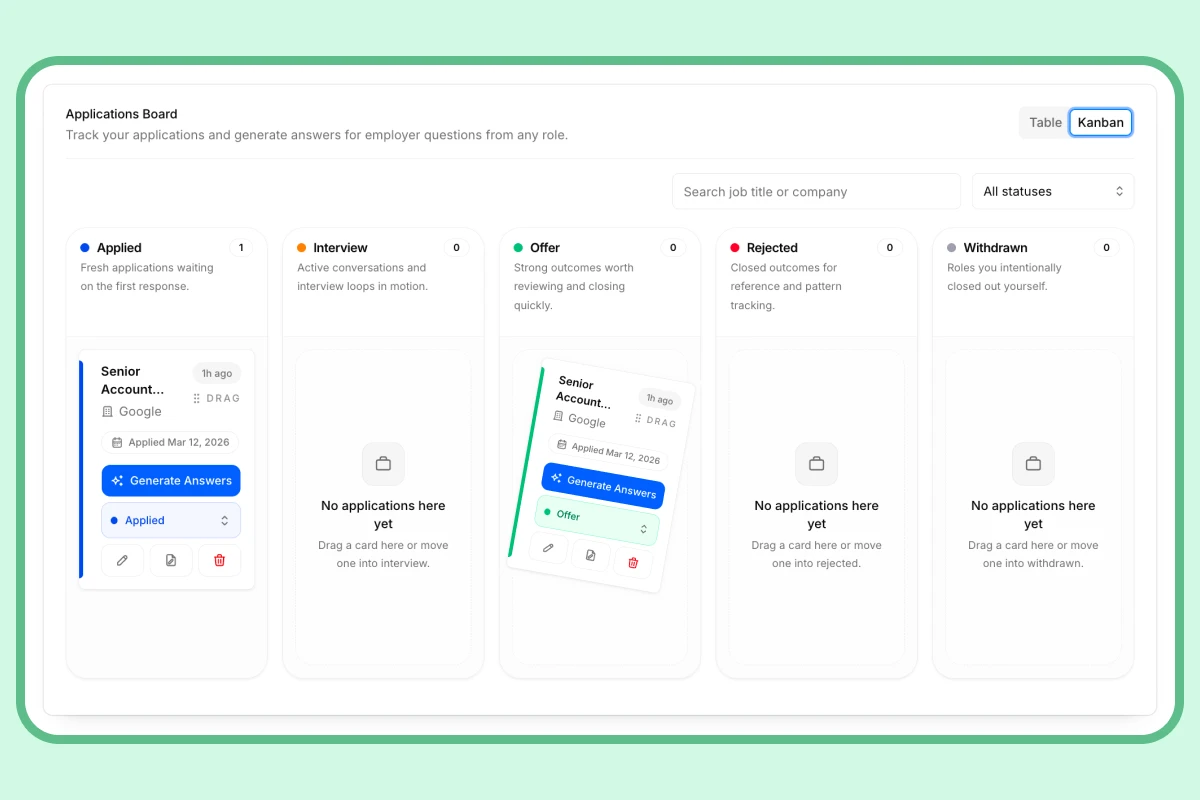
InterviewsPilot keeps application tracking connected to the rest of your job search. Instead of storing job details in one tool and preparing in another, you can keep the role context, notes, and next steps together.
Capabilities
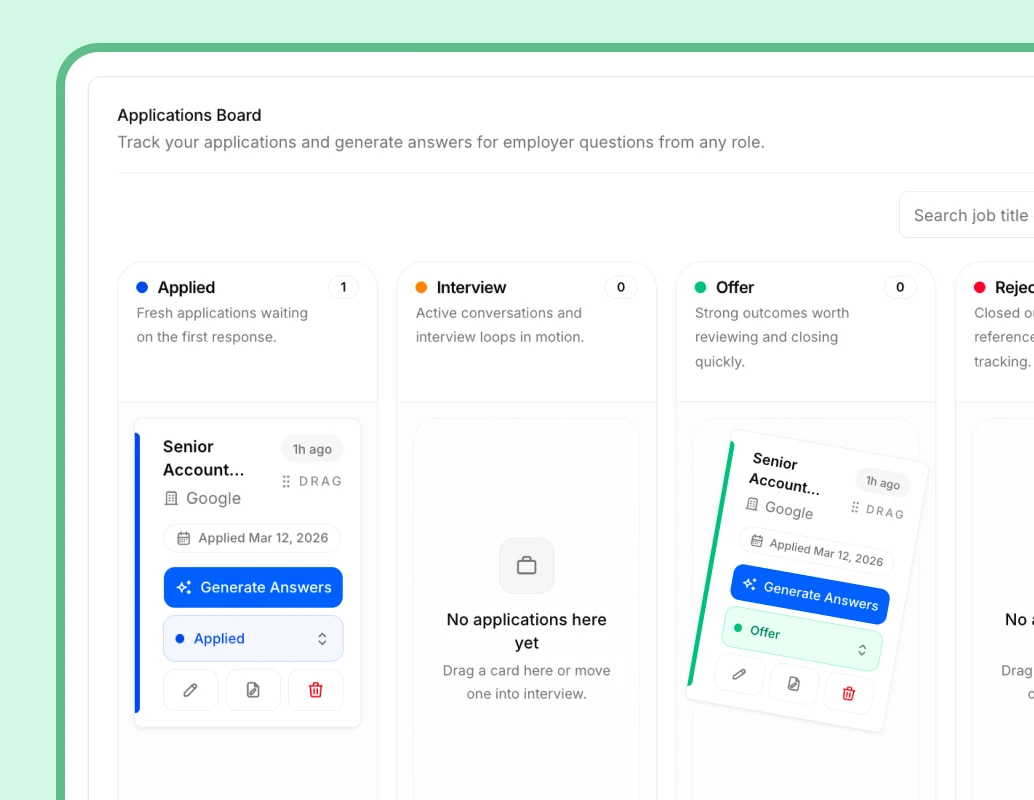
InterviewsPilot combines application tracking, job context storage, and interview-readiness support so your job search stays organized from the first save to the final round.
Keep job titles, companies, descriptions, and supporting context stored in one place so you can revisit the opportunity later.
Move roles through your pipeline as they progress from applied to interview, offer, rejection, or withdrawal.
Keep interview-related next steps visible so scheduling and preparation do not get buried across separate tools.
Store reminders, follow-up details, and decision context directly on the role instead of scattering them across docs and chats.
Use connected resume and interview tools when you are ready to tailor, prep, or improve how you show up for the role.
Keep dozens of active roles easier to manage when the search gets busy and the application count starts climbing.
Testimonials
People use InterviewsPilot to stay organized, keep role context accessible, and reduce the friction that comes from managing a multi-application search manually.
Hannah Lewis
Customer Success Manager
I stopped losing track of which companies I had already applied to. Having each role and status in one place immediately made my search less chaotic.
Owen Carter
Operations Specialist
I used to copy job descriptions into random notes. The tracker made it much easier to come back later and remember why I cared about a role.
Sana Malik
Product Analyst
The big win for me was seeing statuses clearly. I could tell what needed follow-up and what had already moved into interviews.
Tyler Reed
Account Manager
It helped me stop treating my search like a messy list. Each application actually had its own place, notes, and next step.
Jasmine Cole
Marketing Coordinator
I liked being able to review company details before interviews without digging through emails or old browser tabs.
Marcus Dean
Business Development Rep
Once I had more than a few active applications, the tracker became essential. It gave me one system instead of ten little reminders everywhere.
Hannah Lewis
Customer Success Manager
I stopped losing track of which companies I had already applied to. Having each role and status in one place immediately made my search less chaotic.
Owen Carter
Operations Specialist
I used to copy job descriptions into random notes. The tracker made it much easier to come back later and remember why I cared about a role.
Sana Malik
Product Analyst
The big win for me was seeing statuses clearly. I could tell what needed follow-up and what had already moved into interviews.
Tyler Reed
Account Manager
It helped me stop treating my search like a messy list. Each application actually had its own place, notes, and next step.
Jasmine Cole
Marketing Coordinator
I liked being able to review company details before interviews without digging through emails or old browser tabs.
Marcus Dean
Business Development Rep
Once I had more than a few active applications, the tracker became essential. It gave me one system instead of ten little reminders everywhere.
Jasmine Cole
Marketing Coordinator
I liked being able to review company details before interviews without digging through emails or old browser tabs.
Marcus Dean
Business Development Rep
Once I had more than a few active applications, the tracker became essential. It gave me one system instead of ten little reminders everywhere.
Priya Shah
Project Coordinator
I could keep application notes and role details together, which made tailoring and follow-up much easier later in the process.
Ethan Park
Software Engineer
The tracker reduced mental load. I no longer needed to remember which role had moved where because the pipeline was already there.
Hannah Lewis
Customer Success Manager
I stopped losing track of which companies I had already applied to. Having each role and status in one place immediately made my search less chaotic.
Owen Carter
Operations Specialist
I used to copy job descriptions into random notes. The tracker made it much easier to come back later and remember why I cared about a role.
Jasmine Cole
Marketing Coordinator
I liked being able to review company details before interviews without digging through emails or old browser tabs.
Marcus Dean
Business Development Rep
Once I had more than a few active applications, the tracker became essential. It gave me one system instead of ten little reminders everywhere.
Priya Shah
Project Coordinator
I could keep application notes and role details together, which made tailoring and follow-up much easier later in the process.
Ethan Park
Software Engineer
The tracker reduced mental load. I no longer needed to remember which role had moved where because the pipeline was already there.
Hannah Lewis
Customer Success Manager
I stopped losing track of which companies I had already applied to. Having each role and status in one place immediately made my search less chaotic.
Owen Carter
Operations Specialist
I used to copy job descriptions into random notes. The tracker made it much easier to come back later and remember why I cared about a role.
How it works
The tracker helps you keep every opportunity organized from the moment you save it until the process is closed out.
Step 1
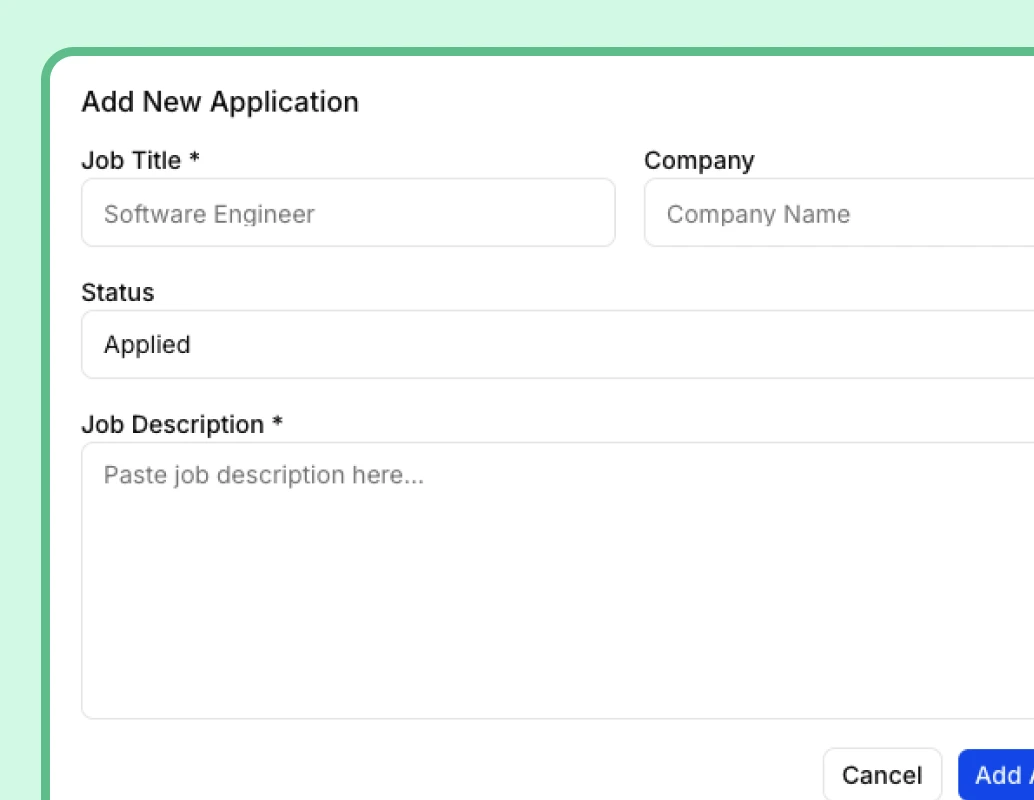
Save the job title, company, description, and any notes that will matter later so you keep the opportunity grounded in real context.
Step 2
Move each role through your pipeline as things change so you always know what is active, what needs follow-up, and what is done.
Step 3
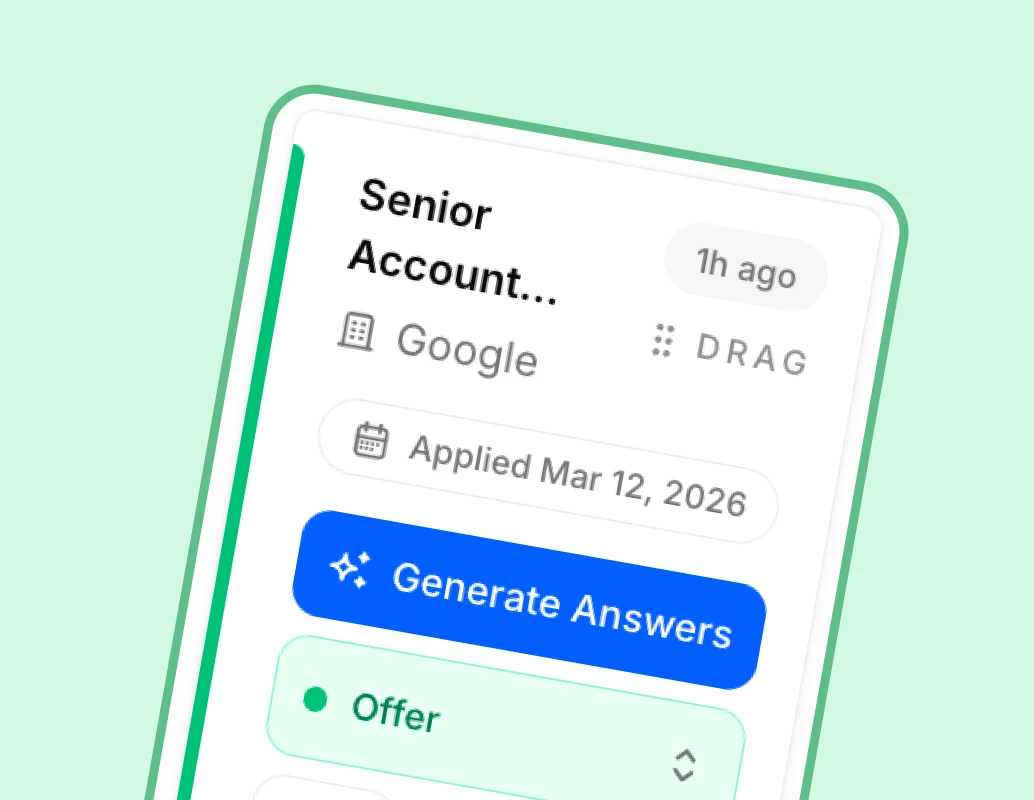
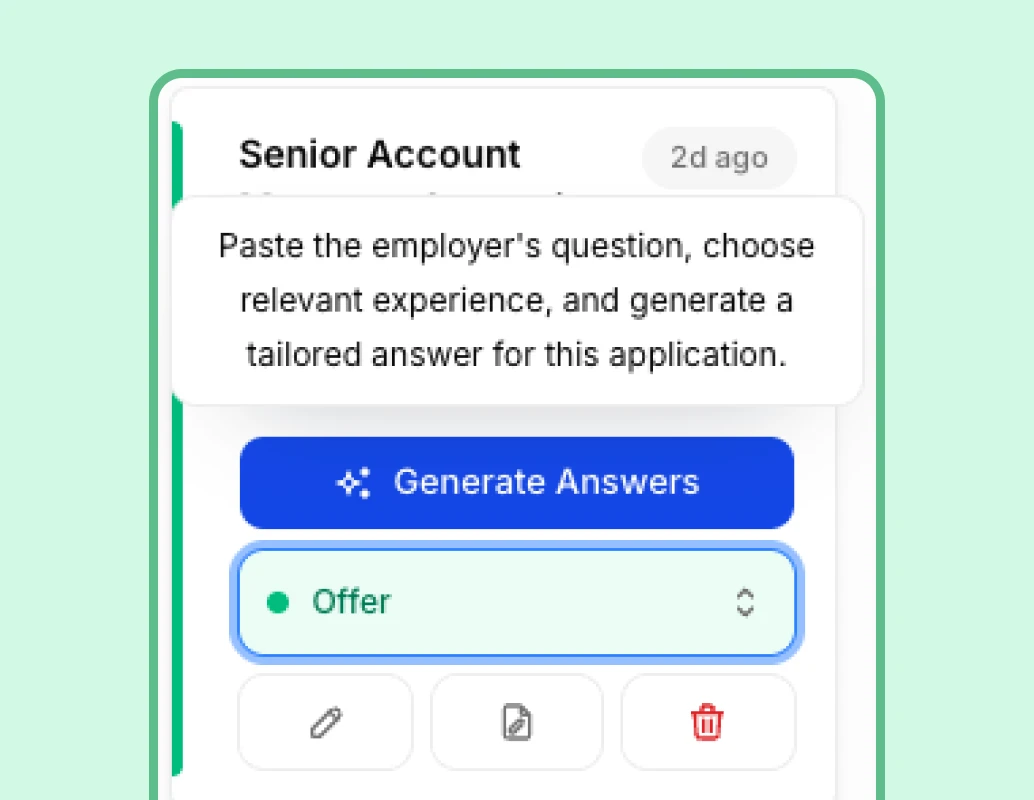
Return to the saved role details whenever you need to tailor documents, review the job description, or prep for the next interview.
Who it is for
InterviewsPilot works well for people who want their applications, job descriptions, and next steps kept in one organized workflow.
If you are applying to multiple roles each week, the tracker helps you avoid duplicate work and keep momentum across every opportunity.
When the search moves into interviews, the tracker keeps the role details and timeline close at hand so preparation is easier.
If you are exploring several directions at once, the tracker helps you compare opportunities without losing context around why each one matters.
If your current process lives in tabs, notes apps, and half-finished spreadsheets, InterviewsPilot gives you a clearer system to work from.
FAQ
Clear answers for job seekers comparing job application tracker tools and deciding how to organize their search more effectively.
Get started today
Create your free account and generate your first ATS-optimized resume in minutes. No credit card required. Upgrade to Pro when you need unlimited output.