

Modern and Minimalist
Minimal Editorial Resume Template
Download a free editable DOCX resume template with editorial spacing and restrained typography. This layout is best for professionals who prefer a quiet, polished resume with generous spacing and simple hierarchy. Fill it with your own experience, then tailor the wording for each role before applying.
Format
Editable DOCX
Layout
Chronological
Cost
Free download
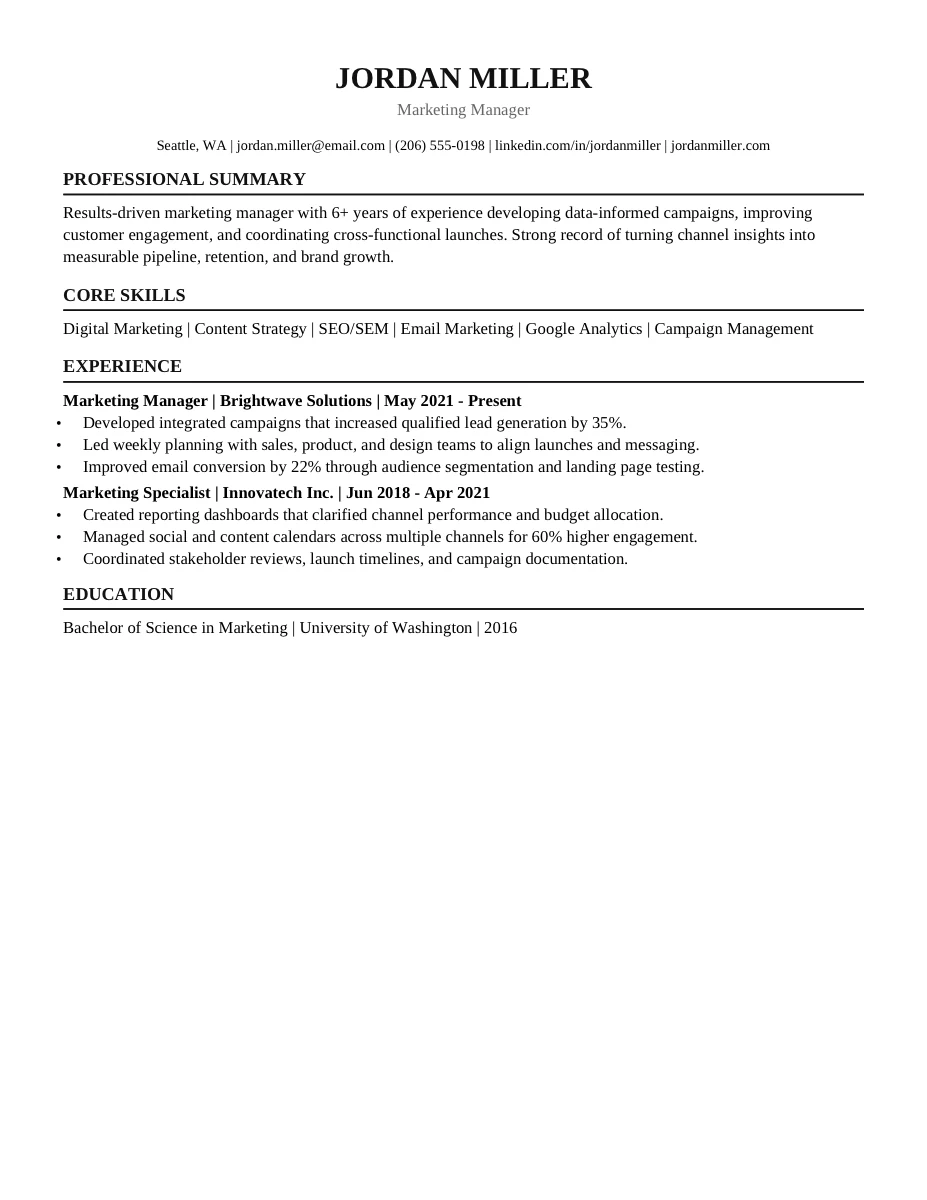
Preview uses mock placeholder content. The DOCX download is editable and should be filled with your own resume details.
Template snapshot
What this resume template is built for.
A fillable chronological resume template with editorial spacing and restrained typography. Built for professionals who prefer a quiet, polished resume with generous spacing and simple hierarchy.
Editable DOCX resume template with a editorial spacing and restrained typography.
Placeholder contact, summary, work history, education, skills, and supporting sections you can replace with your own details.
A layout designed for professionals who prefer a quiet, polished resume with generous spacing and simple hierarchy.
This Minimal Editorial template keeps the resume editable in DOCX and uses recognizable resume sections. Review the final file for job-specific keywords after replacing the placeholder content.
What's included
An editable DOCX layout you can make your own.
This template gives you the structure. You bring the real experience, credentials, metrics, and job-specific keywords.
Template type
Chronological
Structure
editorial spacing and restrained typography
Best for
professionals who prefer a quiet, polished resume with generous spacing and simple hierarchy
Use the template
How to customize this Minimal Editorial template.
Step 1
Download the DOCX and save a working copy before you start editing.
Step 2
Replace every placeholder in the Minimal Editorial layout with accurate dates, employers, credentials, skills, and results.
Step 3
Tailor the summary, skill wording, and strongest bullets to the job description before applying.
Step 4
Export a PDF only after you have checked spacing, page count, links, and ATS keywords.
Before you apply
Fill the template, then check it against the job description.
Resume templates solve layout. InterviewsPilot can help you compare your edited resume to a target role, find missing keywords, and turn the DOCX into a stronger application.
FAQ
Questions about this resume template.
Is the Minimal Editorial resume template free?
Yes. The Minimal Editorial resume template is a free DOCX download. You can open it in Microsoft Word, Google Docs, Pages, or another compatible editor and fill it with your own information.
Is this chronological resume template ATS-friendly?
This Minimal Editorial template keeps the resume editable in DOCX and uses recognizable resume sections. Review the final file for job-specific keywords after replacing the placeholder content.
Is the preview the same as the downloaded file?
The preview image uses mock placeholder content so you can understand the layout. The DOCX download remains editable and is meant to be filled with your own resume details.
What should I edit first?
Start with the headline, professional summary, work history, and skills. Replace generic placeholders with real achievements, job-specific keywords, accurate credentials, and measurable results.