





When you send a job application by email, the subject line is not a small detail. It is the first signal a hiring manager sees, and it often decides whether your message gets opened, searched for later, or overlooked. A strong email subject for job application purposes should be clear, specific, and easy to scan in a crowded inbox. For baseline formatting and message structure, Purdue OWL's job search letter guidance is a useful noncommercial reference.
For a broader application benchmark, compare CareerOneStop's job search guidance, CareerOneStop's cover letter guidance, MIT's cover letter guidance, and Stanford's job search action plan.
If you are looking for job application help, this guide covers the best formats, length guidelines, keyword choices, and common mistakes to avoid.
Why does the email subject line matter in a job application?
Hiring managers and recruiters review a high volume of messages every day. They do not have time to decode vague or clever subject lines. They need to know, immediately, who you are and what role you want.
A well-written subject line helps you.
- make your intent obvious
- improve the chances your email gets opened
- support quick sorting and filing
- show professionalism and attention to detail.
In many job searches, the subject line is part of the first impression. That makes it an important part of your overall job search strategy.
What should you include in an email subject for job application?
A strong subject line usually includes three core elements:
- Your name
- The job title
- A clear application label such as "Application" or "Job Application"
If the job posting includes a reference number, include that too. If you were referred by someone, you can also mention the referral.
Recommended elements
- Full name
- Exact job title from the posting
- Application or job application label
- Reference number, if provided
- Referral name, if relevant
Example structure
Job Application: Marketing Manager – Jane DoeJane Doe – Application for Senior Data Analyst (Ref #DA2024)Referred by Alex Chen: Software Engineer Application – Sam Jones
These formats make it easy for the recipient to understand the email immediately.
How long should a job application subject line be?
Shorter is usually better. Many people read email on mobile devices, where only part of the subject line may be visible. If your subject line is too long, the most important details may get cut off.
A good target is usually 25 to 60 characters, though clarity matters more than hitting a strict count.
To keep the subject line effective:
- put the most important information first
- use only the details that matter
- remove filler words
- keep the wording direct
For example, Application: Project Coordinator – Maya Patel is easier to scan than I am submitting my application for the Project Coordinator position.
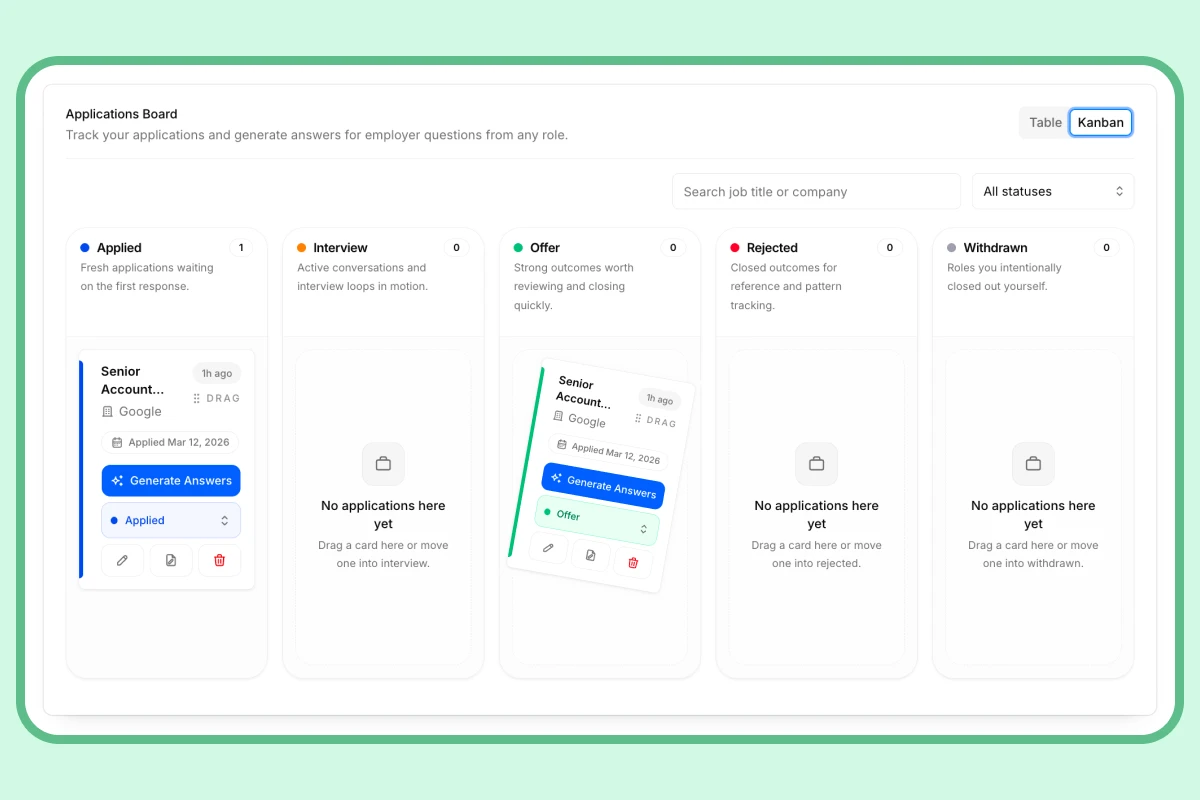
Application Tracker
Applying to 10+ jobs? You need a real system.
No more spreadsheets or lost threads. Track every role, stage, deadline, and follow-up in one dashboard — so you always know exactly where you stand.
What are the best formats for an email subject for job application?
The best subject lines are predictable, professional, and easy to read. Here are some commonly effective formats:
| Format | Example | Why it works |
|---|---|---|
| Application + role + name | Application: Marketing Manager – Jane Doe | Clear, direct, and scannable |
| Name + application + role | Jane Doe – Application for Senior Data Analyst | Front-loads identity |
| Job application + role | Job Application: Project Coordinator Position | Simple and widely understood |
| Referral + application + role | Referred by Alex Chen: Software Engineer Application – Sam Jones | Adds social proof |
| Role + reference number + name | Graphic Designer (Ref #GD-204) – Morgan Lee | Helpful for recruiter search and tracking |
If you are applying through email, these formats are usually safer than creative or overly casual alternatives.
What keywords should you use in the subject line?
For job application help, keyword choice is mostly about clarity, not marketing. Use words that a recruiter would expect to see.
Useful keywords include:
- Application
- Job Application
- Resume
- CV
- Cover Letter
- the exact job title
- department name, if relevant
- reference number, if provided
You do not need to stuff the subject line with extra terms. The goal is to make the message easy to identify and file.
Good keyword use
Job Application: Financial Analyst – Priya ShahResume and Cover Letter: UX Designer – Daniel KimApplication for Operations Coordinator (Ref #OC118)
Avoid keyword clutter
Do not use unnecessary phrasing like:
Important application for your reviewMy resume for considerationPlease read asap
These do not improve clarity and may reduce professionalism.
Should you include a referral in the subject line?
Yes, if the referral is real and relevant.
Mentioning a referral can help the recipient place your name quickly and may improve the chance your email gets opened. A referral also adds context before the hiring manager even reads the body of the email.
Example referral subject lines
Referred by Maria Lopez: Front-End Developer Application – Tom LeeJob Application – Financial Analyst, Referred by Kevin Brown
Use the referral only when the person has actually agreed to recommend you or introduce you.
How do you make your subject line stand out without sounding unprofessional?
Standing out does not mean being flashy. In job application help, the best way to stand out is to be more useful than everyone else in the inbox.
You can do that by:
- being specific about the role
- including the exact job title
- using the company’s wording when appropriate
- mentioning a referral or reference number
- keeping the formatting clean and easy to scan
If the job posting names a department, location, or specialized area, you can include it when it adds clarity.
Examples
Application: Office Manager – Denver Office – Lee ZhangSenior Product Analyst Application – Jordan Lee (Ref #PA77)
These are still straightforward, but they help distinguish your application from other messages.
How should you format an email subject for job application?
Formatting should support readability.
Best practices
- Use hyphens, colons, or parentheses to separate elements
- Keep capitalization professional and consistent
- Use Title Case or sentence case
- Make sure names and job titles are spelled correctly
- Avoid ALL CAPS
- Avoid extra punctuation like
!!!
Clean formatting examples
Application: Graphic Designer – Morgan LeeJane Doe – Job Application for Operations ManagerSoftware Engineer Application (Referred by Alex Chen)
The subject line should look polished, not noisy.
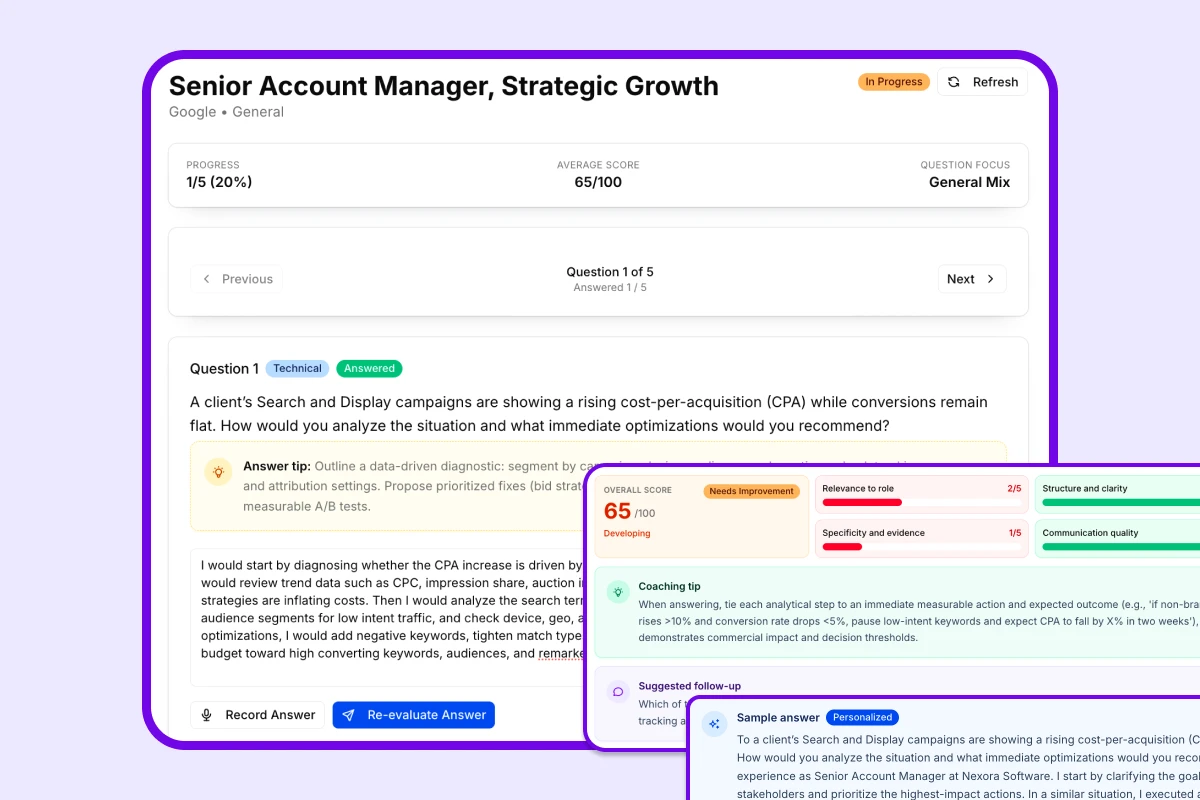
AI Interview Prep
Got the interview? Now make sure you're ready.
Practice the exact questions likely to come up for your target role. Get scored on clarity, structure, and relevance — so you walk in sharp, not winging it.
What are common mistakes to avoid?
A weak subject line can hurt your chances before the email is even opened. Avoid these common problems:
- Being vague
Resume AttachedJob InquiryApplication for consideration
- Leaving out your name
- The recipient should know who the email is from right away.
- Using the wrong job title
- Copy the title from the posting exactly when possible.
- Making it too long
- Long subjects are harder to scan on mobile devices.
- Using unprofessional language
- Skip slang, emojis, jokes, and excessive punctuation.
- Misspelling words
- Typos in the subject line can make you seem careless.
- Sounding like spam
- Avoid phrases such as
URGENT,IMPORTANT, orREAD NOWunless the employer specifically asked for them.
What are examples of effective email subject lines for job applications?
Here are several practical examples you can adapt:
Job Application: Marketing Manager – Jane DoeJane Doe – Application for Senior Data AnalystApplication: Project Coordinator PositionResume and Cover Letter: UX Designer – Daniel KimReferred by Alex Chen: Software Engineer Application – Sam JonesApplication for Operations Assistant (Ref #OA-2024)
And here are weak examples to avoid:
CV for roleMy resumeQuestion about the jobIMPORTANT!! PLEASE OPENApplication
A good subject line should make the purpose of your message obvious in a second or less.
What is the best way to choose a subject line for your job search?
The best approach is to follow the posting and keep the subject line simple. If the application instructions provide a format, use it exactly. If they do not, choose the clearest version of the standard structure:
Application + job title + your name
That formula works well because it balances professionalism, readability, and searchability.
Quick decision guide
- If the posting gives a reference number, include it
- If you have a referral, mention it
- If the role has an exact title, use that title
- If the company gives subject line instructions, follow them first
- If none are given, keep it short and direct
Final checklist before you send your email
Before you send your application, confirm the subject line answers these questions:
- Does it say who I am?
- Does it say what role I am applying for?
- Is it short enough to scan quickly?
- Is it professional and typo-free?
- Does it match the job posting accurately?
If the answer to all five is yes, your subject line is doing its job.
Conclusion
An effective email subject for job application purposes is clear, concise, and specific. It should tell the hiring manager who you are, what role you want, and why the email matters without making them open the message to figure it out.
If you want stronger results in your job search strategy, treat the subject line as an essential part of the application process, not an afterthought. The best subject lines are simple, professional, and easy to file.
Key takeaway: Use a straightforward format like Application: Job Title – Your Name, add a reference number or referral only when relevant, and keep the message readable on mobile devices.
Explore this category
Job Applications
Browse the full job applications category for more related playbooks, examples, and tactical guides.
Browse Job Applications articles →One workflow. Resume to offer.
Build ATS-ready resumes, track every application, and practice interviews — all in one place. Free to start, no credit card needed.
✓ Free plan forever · ✓ No card needed
Related articles
How to Follow Up on a Job Application Email Template: Tips and Email Examples
Need a professional way to check in after applying? This guide explains when to follow up on a job application, what to include in your email, and how to use ready-to-send templates that keep your candidacy top of mind.
How to Write a Job Application Email: Examples, Subject Lines, and Best Practices
This guide explains how to write a job application email step by step, including subject line formulas, body structure, examples, common mistakes, and follow-up tips.
How Many Jobs Should I Apply For? 2025 Job Search Strategy and Weekly Application Targets
Wondering how many jobs you should apply for? This guide breaks down weekly and total application targets, explains when to prioritize quality over quantity, and shows how to build a smarter job search plan for your timeline.